
Restrictions guide
AllChinaBuy Shipping Restrictions: Check Before You Order
How AllChinaBuy’s public calculator describes country, category and warehouse classification—and why route availability can change.
Verified on the public interface
Three facts to carry forward
- Restriction results are presented as reference information, with warehouse classification controlling final eligibility.
- Rules can change with customs, airline and logistics-provider requirements.
- Dangerous or prohibited goods are not supported and may need to be returned to the seller.
Section 01
Check destination and category as a pair
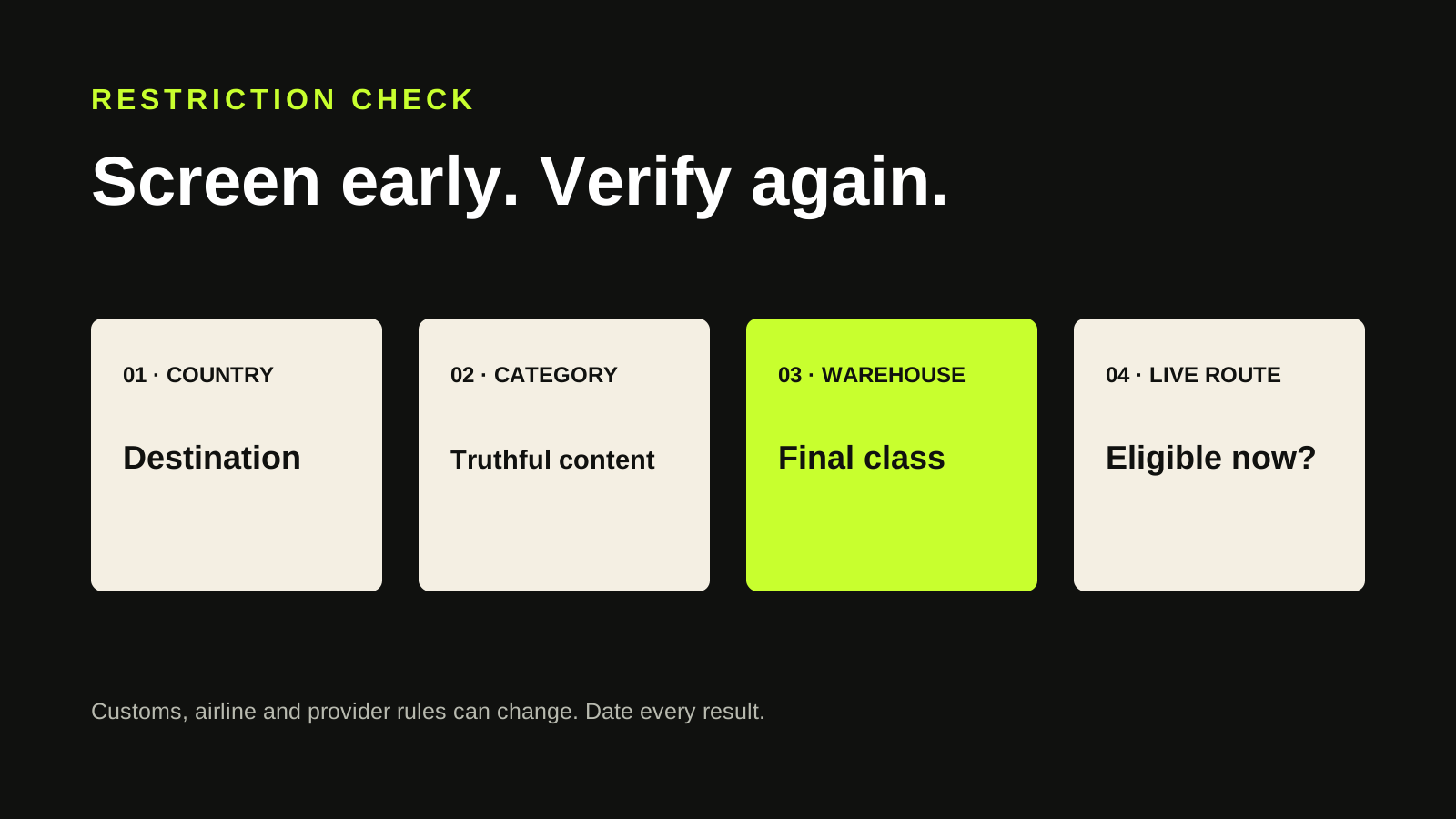
A product category is not globally shippable or unshippable. Route eligibility depends on destination, content and current line rules. AllChinaBuy’s public calculator begins with destination country and item category for that reason. Search the truthful category for the exact destination before placing the product order, then read the restrictions on each returned line.
Common risk signals include batteries, liquids, magnets, powders, aerosols, food, cosmetics and other sensitive contents, but a list in an article can never be complete. Materials, quantity, watt-hours, concentration, brand treatment and local import rules can matter. Use the product specification and live calculator rather than a nickname such as “small electronics.”
Section 02
Treat the early result as screening, not approval
The calculator says product-category selection is for reference and warehouse judgment prevails. Before the product arrives, you are estimating classification from seller information. At receipt, warehouse staff can inspect the actual item and classify it differently. A route shown during planning is therefore evidence that a route may exist for the declared category, not a promise that the item will qualify.
Save the product specification that supports your category choice, including battery status, liquid volume or material where relevant. If classification changes, compare the actual item and warehouse explanation with that record. Do not relabel the category simply to restore a cheaper line; inaccurate classification can create safety and customs problems.
The calculator screens a declared category; the warehouse classifies the received item.
Section 03
Expect restrictions to change
The public restriction wording says information is updated in real time in response to customs, airline and logistics-provider requirements. That makes an old screenshot weak evidence. A route may disappear between product purchase and international submission, particularly for sensitive goods or a changing destination environment.
Check at three points: before product payment, after warehouse classification and immediately before parcel submission. Record the date and inputs each time. If only one expensive line remains, compare return possibilities and storage deadlines before waiting indefinitely for a route to reopen.
Section 04
Know the consequence of an unsupported item
The public calculator warns that dangerous and prohibited goods are not supported and can be returned to the seller at the original address. A return is not the same as a guaranteed refund: seller terms, domestic courier cost, timing and item condition can still matter. Confirm the live return path before purchasing an uncertain item.
For destination legality, use the destination customs or regulator as the authority. A carrier route appearing in a calculator does not by itself prove that an item is legal to import, exempt from tax or permitted in a particular quantity. Platform eligibility, carrier acceptance and legal importability are three separate questions.
- Platform can purchase the item
- Warehouse classifies it for an eligible line
- Carrier accepts the contents and packing
- Destination law permits the import
Section 05
Avoid mixed parcels that inherit the hardest restriction
A single sensitive item can narrow the route options for an otherwise ordinary parcel. Before consolidation, compare a parcel containing all items with a separate sensitive-item parcel. The answer depends on actual and volume weight, line minimums and whether the sensitive item has any eligible route. Do not assume consolidation is always cheaper.
Warehouse separation can add another boundary: the public calculator says items in different warehouses cannot be shipped together. Build scenarios only from items that can actually consolidate. A spreadsheet with category, warehouse, actual weight, packed volume and eligible lines makes the constraint visible.
Section 06
Use support for an item-specific written answer
When the public calculator is ambiguous, provide the exact product URL, destination, composition, quantity, battery or liquid specification and desired warehouse. Ask whether the item can be purchased, how it is likely to be classified and which current lines accept it. Keep the written response, while recognizing that final classification occurs after receipt.
This guide reflects public AllChinaBuy English pages reviewed July 17, 2026 and intentionally avoids a permanent prohibited-item list. The official interface itself says restrictions can update. A useful restriction guide teaches a repeatable live check; a static list without a date encourages false confidence.
Primary evidence
Official pages checked
These links go to AllChinaBuy’s public mobile website. Dynamic content, logged-in prices and availability can change after our review date.
- AllChinaBuy Shipping Calculator ↗Public calculator fields, chargeable-weight guidance, route notes and warehouse restrictions.
- AllChinaBuy Goods Detail ↗Public product-stage notices, service boundaries, restricted-item prompts and used-item terms.